

Warp
Warp is an agentic development environment that grew out of the terminal. You describe a task, and its agent reads your project, runs commands and edits files. Because a coding agent sends your whole working context to the model on every step, the model behind it decides both how well it works and what a long session costs.
That is where Doubleword fits. Warp lets you connect your own inference endpoint, and Doubleword serves strong open coding models such as Kimi K3, GLM-5.3 and DeepSeek V4.1 Flash, with context windows up to 1M tokens and automatic prompt caching that makes repeated context cheap. Point Warp at Doubleword once and these models appear in its model picker next to the built-ins. Doubleword bills the inference directly, so it does not use Warp credits.
You need Warp installed and signed in, and a Doubleword account. Setup takes about five minutes.
1. Generate a Doubleword API key
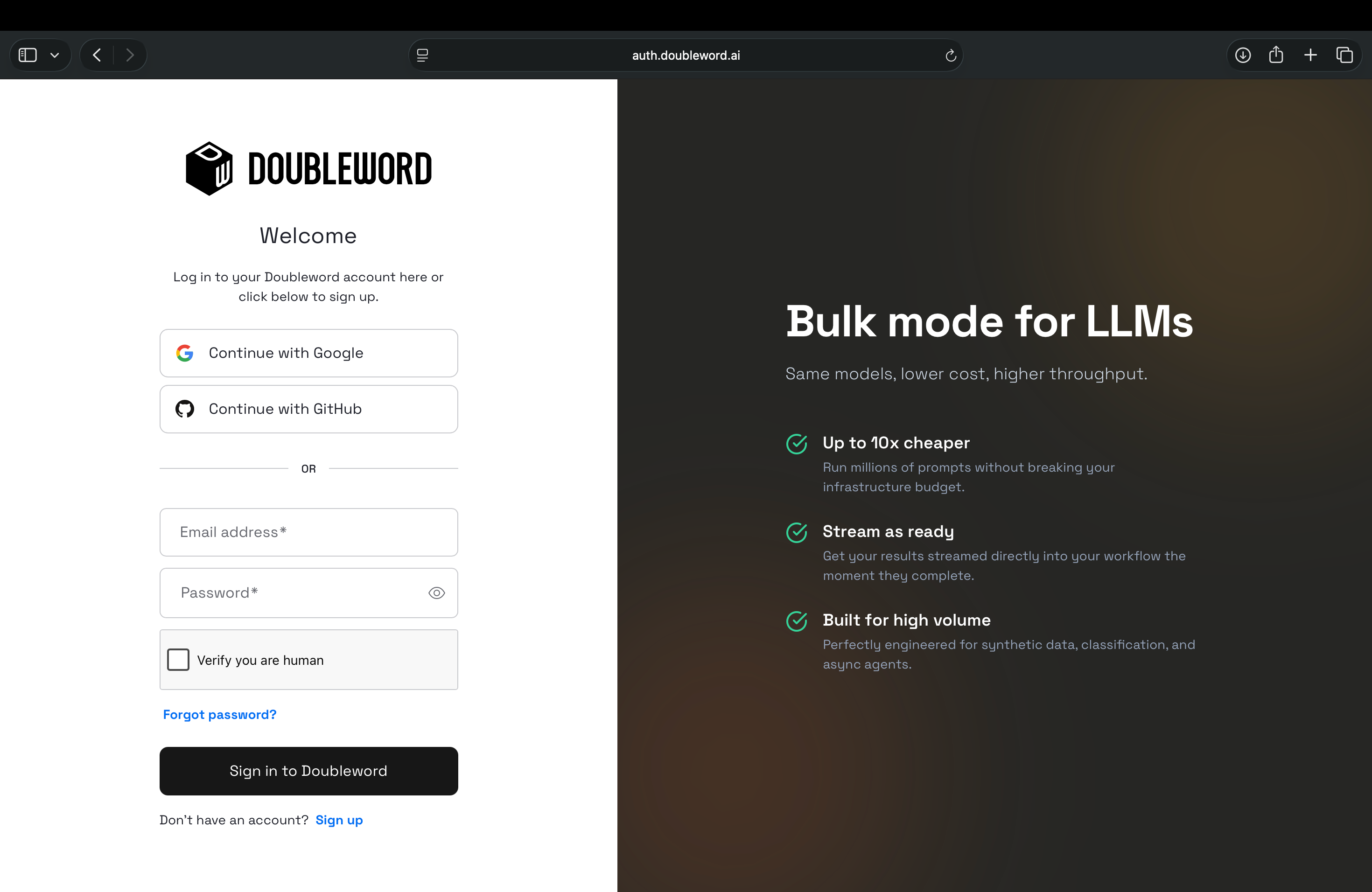
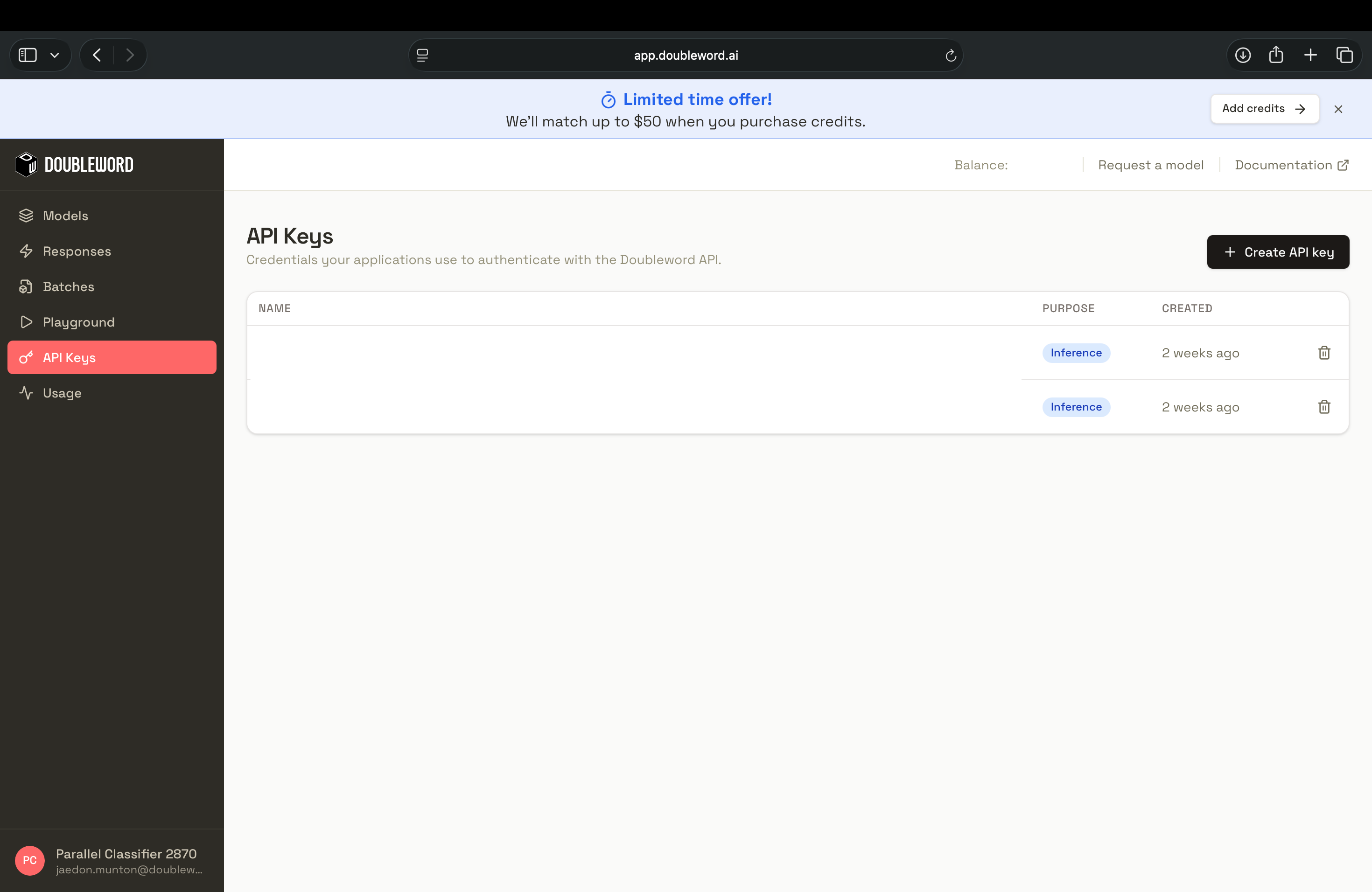
Sign in to the Doubleword Console, create a key under API Keys, and copy it, since it is only shown once.
2. Add Doubleword as a custom endpoint
In Warp, open the command palette with Ctrl+P and search for Settings, then choose Open Settings. You can also press Cmd+, on macOS.


In the settings search box, type inference. Under Agents, open Warp Agent. The Custom Inference section has three provider key fields and a Custom endpoints list. Select + Add custom model to add a new endpoint.

Fill in the dialog with these values.
| Field | Value |
|---|---|
| API schema | OpenAI Chat Completions |
| Endpoint name | Doubleword |
| Endpoint URL | https://api.doubleword.ai/v1 |
| API key | The key from step 1 |

Warp does not fetch a model list from the endpoint, so you add each model by hand. To see the model ids currently available to your account, run dw models list with the dw CLI, or call the models endpoint directly:
curl https://api.doubleword.ai/v1/models -H "Authorization: Bearer $DOUBLEWORD_API_KEY"Then add the models you want, typing each id exactly as listed. The alias is optional and is the label shown in the picker. These are a few good starting points for coding work, and the models page has the full current catalog and pricing.
| Model name | Suggested alias | Context window |
|---|---|---|
moonshotai/kimi-k3 | Kimi K3 (Doubleword) | See models page |
zai-org/GLM-5.3 | GLM-5.3 (Doubleword) | 1M |
deepseek-ai/DeepSeek-V4.1-Flash | DeepSeek V4.1 Flash (Doubleword) | 1M |
Use + Add model for each extra model, then select Save. Warp only shows an endpoint's models in the picker once an API key has been saved for it, so if the models do not appear, reopen the endpoint and check that the key is filled in. Prices and the full model list are on the Doubleword models page, which is updated as the catalog changes.
Optional: configure from the settings file
Warp stores the non-secret endpoint details in ~/.warp/settings.toml, so you can copy the block below between machines. After adding it, you still enter your API key in Settings as above. Warp keeps the key in your system keychain, not in this file.
[agents.custom_endpoints.doubleword]
name = "Doubleword"
base_url = "https://api.doubleword.ai/v1"
schema = "openai_chat_completions"

[[agents.custom_endpoints.doubleword.models]]
name = "moonshotai/kimi-k3"
alias = "Kimi K3 (Doubleword)"
config_key = "00000000-0000-4000-8000-000000000001"

[[agents.custom_endpoints.doubleword.models]]
name = "zai-org/GLM-5.3"
alias = "GLM-5.3 (Doubleword)"
config_key = "00000000-0000-4000-8000-000000000002"
Each config_key is an identifier of your choosing and must be unique across your models.
3. Pick a model and verify
Open an agent conversation, open the model picker, and select GLM-5.3 (Doubleword). Choose the entry that ends in "(Doubleword)". Warp's Auto models, and its own hosted models with similar names such as DeepSeek V4.1 Flash, use Warp credits. To check that tool calling works end to end, give it a small task that touches your project:
List the files in this directory and summarize what the README says.
You can confirm the requests reached Doubleword by running dw usage, or by checking usage in the Doubleword Console.
Prompt caching
See the prompt caching guide.
Good to know
Warp calls Doubleword's realtime tier, so you pay realtime rates for the agent's own model calls. Warp has no setting for service tiers, so the cheaper async (flex) and batch tiers cannot be selected for the model itself. You can still use them for bulk work in the same session by installing the Doubleword skill, which teaches the agent to run async and batch jobs through the dw CLI while the conversation itself stays on realtime.
npx skills add https://github.com/doublewordai/doubleword-skillRealtime capacity is limited on some models, so if a long agent run hits a rate limit, retry or switch to another model from the table.
Warp cannot enforce zero data retention for custom endpoints, so retention follows Doubleword's policies. Warp also does not refresh model lists, so check the models page for new releases and add them the same way.
Warp's picker shows Intelligence, Speed and Cost bars for its built-in models, but not for custom endpoint models, and custom models run at the endpoint's default reasoning effort. Use the models page to compare context windows and pricing.
Limitations
Warp only lists an endpoint's models once an API key is saved for it, so if your Doubleword models are missing from the picker, reopen the endpoint in Settings and add the key. If Warp shows "Out of credits" with the key saved, your Warp team or plan may not allow custom endpoints. See Warp's Bring your own inference post.
Next steps
Browse the models page for more models and pricing, read how prompt caching lowers the cost of long agent sessions, and see the other Doubleword integrations for tools that can use the async and batch tiers.